 How-to
AI Article Summarizer for Chrome: Summarize Articles in Seconds
There are more good articles than time to read them. An AI article summarizer helps you sort them: read the summary, then decide whether the full piece deserves your attention. Paragraph Summarizer does this inside Chrome, on the article you already have open.
Add Paragraph Summarizer to Chrome →
How to summarize an article
- Install Paragraph Summarizer and pin it to the toolbar.
- Open any article: a news story, blog post, or essay.
- Click the extension icon, or right-click the page and pick Paragraph Summarizer.
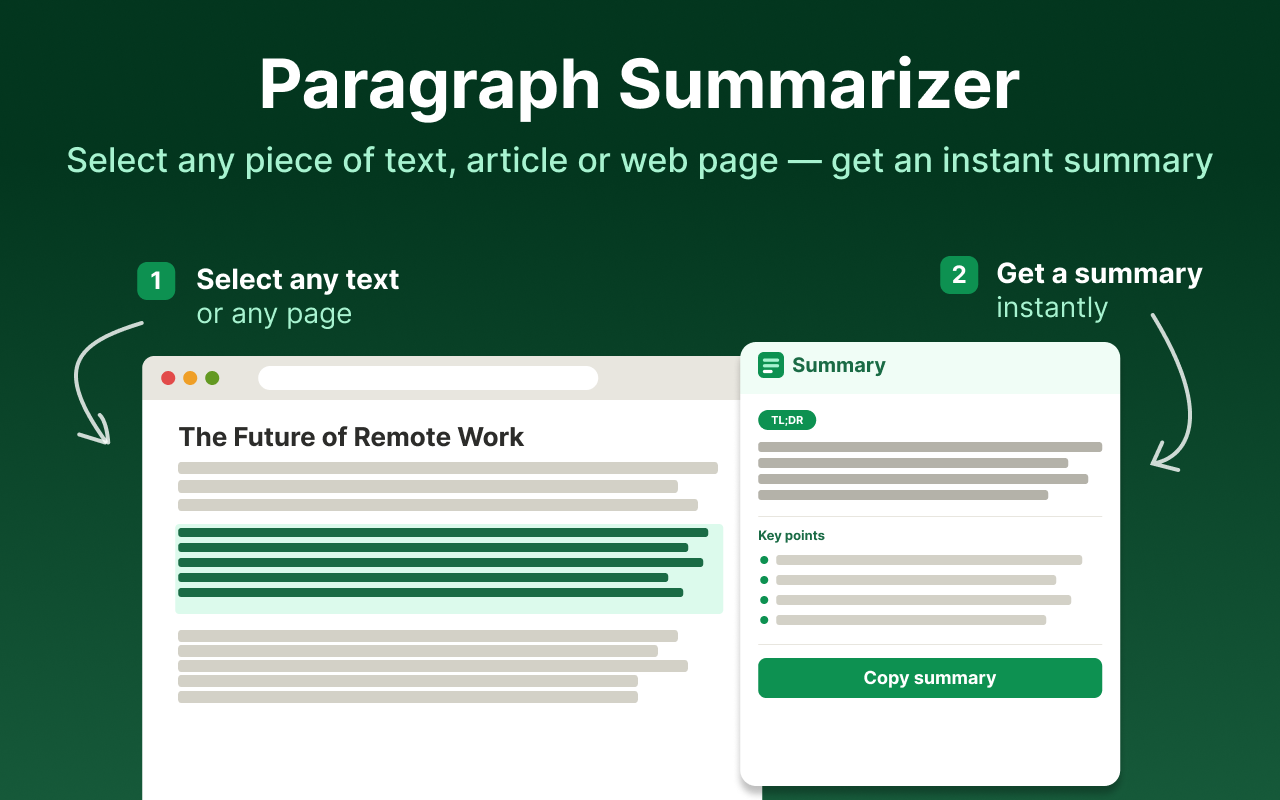
- Read the summary in the side panel. Change the length or format if you need more detail.
What you get
- The main idea up front. Know what the article says before you commit to reading it.
- Summaries of selected sections. Highlight the paragraphs that matter and skip the rest.
- Adjustable length and format. From a one-line gist to a detailed overview.
- No copy-paste. The summary appears next to the article, in the same tab.
Who uses an article summarizer
- Students working through reading lists and Wikipedia background.
- Researchers and analysts scanning many sources for the few that are relevant.
- Writers and marketers researching topics and competitors.
- Busy readers who want the news without reading every story in full.
How to get more from article summaries
Use summaries to triage, not to replace reading
Summarize five articles, then read the one or two that matter in full. You get through more material and still understand the important pieces in depth.
Summarize long articles in parts
For long reads with several sections, select and summarize each section separately. You get a structured overview instead of one compressed paragraph.
Keep the source next to the summary
The side panel leaves the article visible. When a summary mentions a figure or a claim you want to reuse, check it in the original text.
More ways to use Paragraph Summarizer
Frequently asked questions
How do I summarize an article with AI?
Open the article in Chrome and click the Paragraph Summarizer icon. The extension condenses the article into a short summary shown in a side panel.
Can I summarize just part of an article?
Yes. Highlight the paragraphs you care about and run the extension to summarize only that selection.
How long is the summary?
You choose. Pick a short gist to triage articles quickly or a longer, more detailed summary for notes.
Who is an article summarizer for?
Students, researchers, writers, analysts, and anyone who reads many articles a day and needs to find the useful ones faster.