 How-to
How to Summarize a Paragraph in Chrome
Need a quick summary of a long article, news story, or research page? Chrome does not include a built-in text summarizer, but you can add one with a lightweight extension. Paragraph Summarizer is an AI-powered Chrome extension that turns web pages, articles, and selected passages into concise, readable summaries.
Whether you want to skim a Wikipedia entry, digest a blog post, or pull the key points from a PDF-style article online, this guide shows how to summarize a paragraph in Chrome — on the full page or on text you select.
Install Paragraph Summarizer in Chrome
- Open the Paragraph Summarizer page on the Chrome Web Store.
- Click Add to Chrome and confirm the installation.
- Pin the extension from the puzzle icon in the toolbar for quick access.
You can also browse more details in our Paragraph Summarizer extension catalog page.
Summarize an entire web page
After installing the extension:
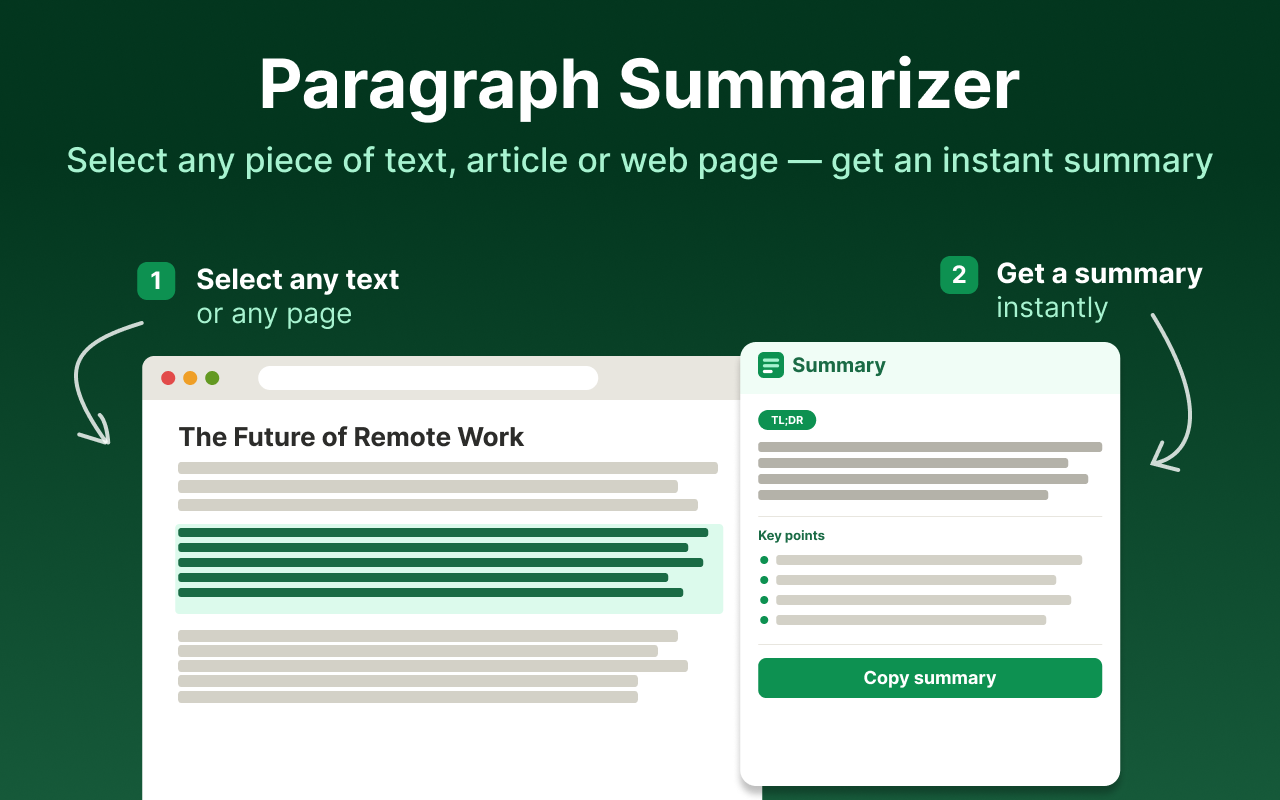
- Open any article, blog post, news page, or long-form content in Chrome.
- Click the Paragraph Summarizer icon in your toolbar.
- The extension processes the page and returns a shorter summary you can read in seconds.
This works well for news sites, tutorials, journals, Wikipedia, and other text-heavy pages where you need the gist without reading every line.
Summarize selected text on a page
Sometimes you only need a summary of one section, quote block, or paragraph:
- Highlight the text you want to summarize with your mouse.
- Open Paragraph Summarizer or use its selection action.
- Review the condensed version of just that passage.
This is useful when a page mixes background context with the one section you care about — for example, a product review, a legal clause, or a technical explanation buried in a longer document.
Why use a Chrome text summarizer?
A dedicated paragraph summarizer extension saves time when you:
- Research topics across multiple articles
- Read long emails, docs, or support threads in the browser
- Prepare notes from online sources
- Skim content before deciding whether to read the full piece
Paragraph Summarizer is built for everyday reading in Chrome: full-page summaries, selective text summarization, and adjustable output length for different use cases.